




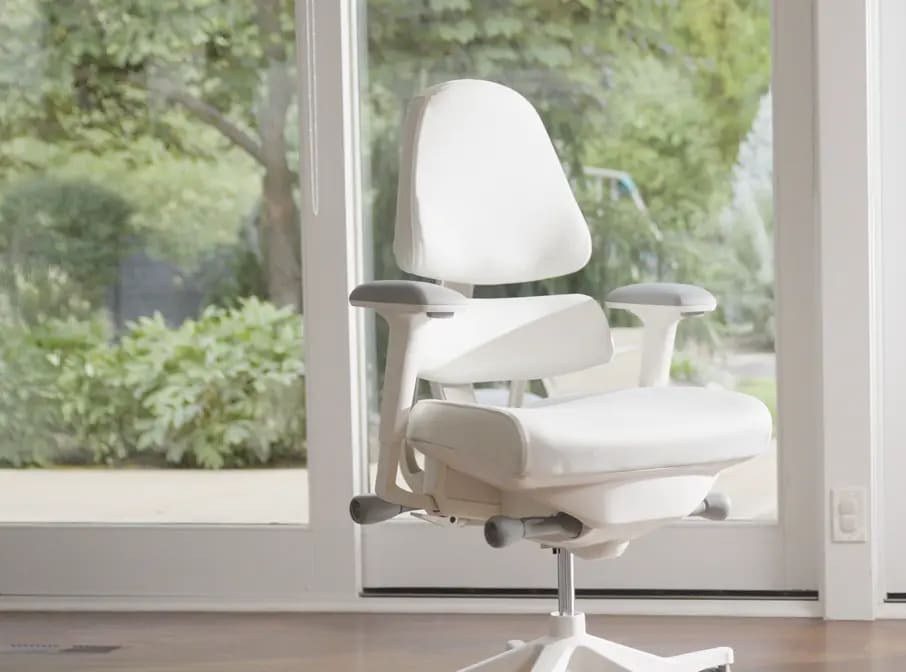
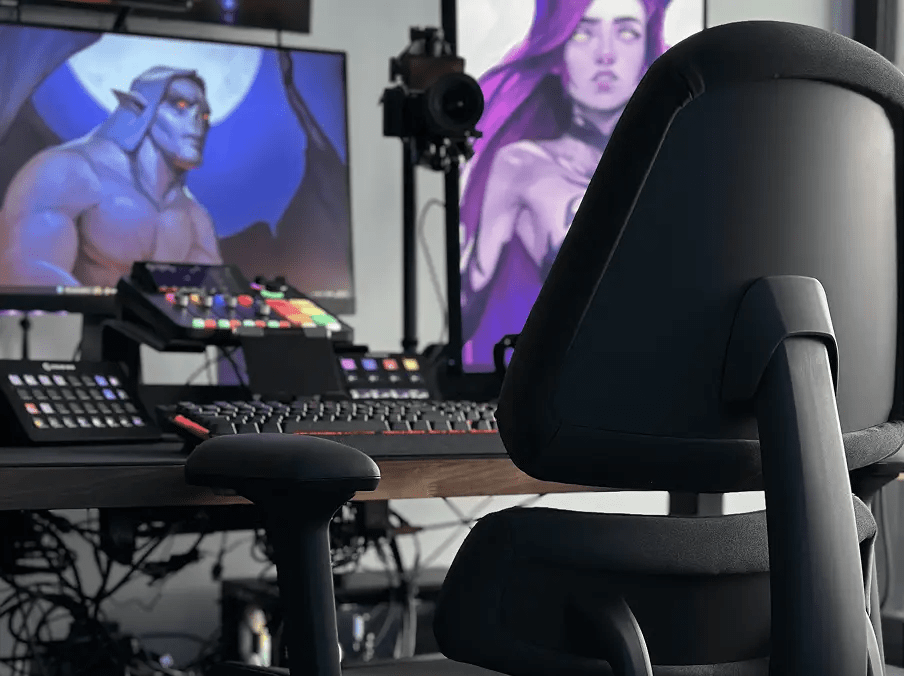


The Office Chair Engineered for Upper Back Support
If your upper back aches after a long day at your desk, you’re not alone. That tight, nagging pain between your shoulder blades isn’t just annoying—it’s a sign your body’s working way too hard just to keep you upright.
Here’s why it happens—and what you can do about it.
learn how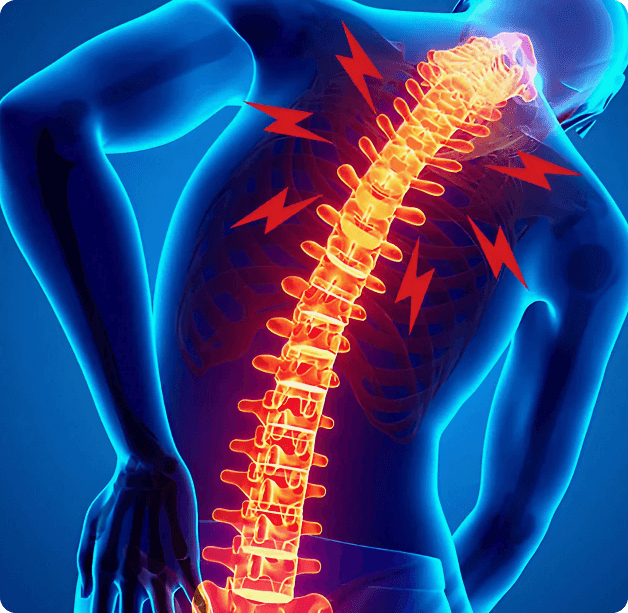
What’s Causing Upper Back Pain While Sitting?
Most upper back pain comes down to poor posture, weak support, or hours of sitting without proper movement. The biggest offenders:

Rounded Shoulders
When your shoulders roll forward (hello, laptop posture), your upper back muscles overstretch and weaken, while others get tight and overworked.

Lack of Support
If your chair doesn’t support your pelvis and upper spine, your muscles have to pick up the slack. That leads to fatigue and strain.

Desk is Too High
Even if your posture is decent, working at a high desk will pull you into a forward posture. And the forward posture strains the upper back causing pain.
Desk Habits For a
More Comfortable Upper Back
These simple changes can make a big difference:
IF YOU’RE LOOKING FOR
1
Check your Desk Height
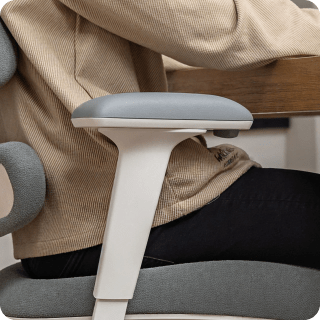
The height of your desk should be the height of your forearms when your elbows are bent at 90 degrees. Then sit as close as you can to the desk and bring your keyboard and mouse toward you. This allows your to sit with your shoulders relaxed, reducing strain on the upper back.
2
Move Every 30–60 Minutes
Even just standing up and stretching your arms overhead or walking around the room can help decompress your spine and relieve tension. This also helps relieve mental stress, which can often settle as upper back strain and strain.
3
Try These Quick Exercises
- Wall Slides Stand with your back and arms against a wall, then slide your arms up and down. Helps mobilize the upper spine and shoulders.
- Thoracic Stretch Over Chair Sit in a chair with a mid-back height. Lean back over the top of the chair and breathe deeply to open your chest and thoracic spine.
- Scapular Retractions Squeeze your shoulder blades together for 5 seconds, then relax. Do 10 reps. This reactivates your postural muscles.
This is general guidance only and not medical advice. Please consult your healthcare provider for personalized care.
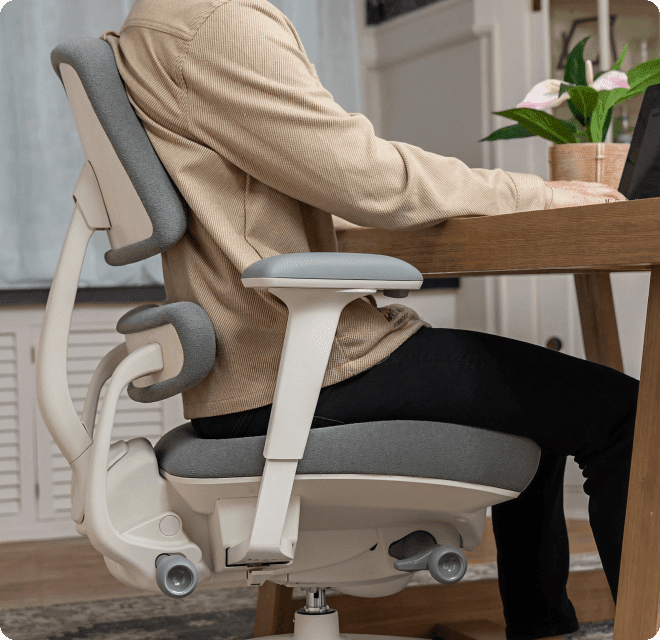
Why Anthros Supports Your Upper Back Differently
Typical office chairs fall short because they ignore the real problem: the pelvis.
Anthros is uniquely designed to align and support your spine from
the bottom up. Here’s how it helps:
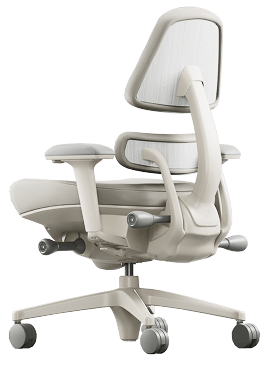

Precision Posture System
Anthros’ patented two-part back system anchors your pelvis in neutral and lets you adjust the upper back support exactly where your body needs it.
Upper Back Support That
Actually Works
No more generic contours. Our thoracic support is independent and adjustable, so your spine stays upright naturally—without strain.
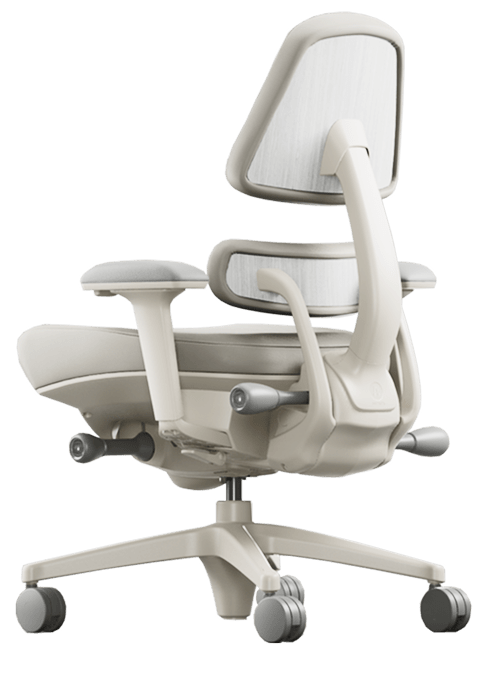
Decompress Mode
Our tilt technology lets you chill and decompress—without letting your shoulders slump or spine collapse.
A Supportive and Soft Cushion
Gentle contours with Cloudfoat® technology offer optimal comfort and support.
Here's What Anthros Owners with Upper Back Pain are Saying
*Individual results may vary. The Anthros chair is not intended to diagnose, treat, cure, or prevent any medical condition.
Customer reviews
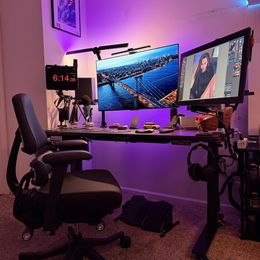
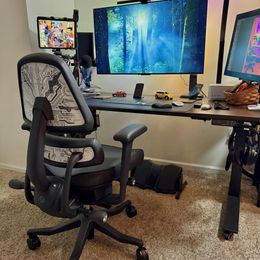
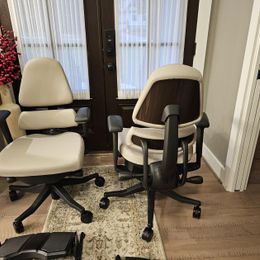
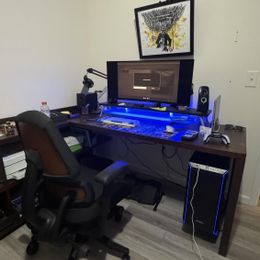
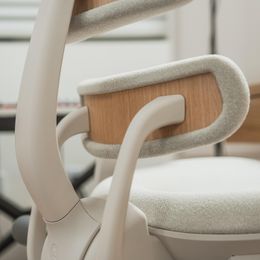
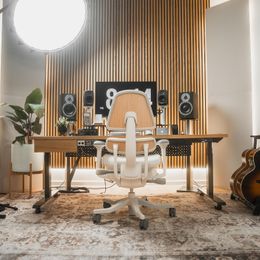
I love this chair as every time I sit on it I feel like my whole spine and posture is aligned so effortlessly. I look forward to sitting in my chair everyday! The customer service and the team at Anthros is really just superb, they are very accommodating and patient with my requests and they always reply in a timely manner. Really thank you so much. I very rarely write reviews but the whole experience was just so pleasant I just cant pass up on doing so.
My previous office chair was a Herman Miller. It was a good chair. Right out if the box my Anthros chair exceeded my expectation for all day comfort. I was very aware that at the end of the work day (sometimes 10-11 hours) my body is not tired and hurting. If you are looking for an new office chair, the Anthros chair is worth every cent. Your body will thank you!
I work from home and spend most of my waking hours at my computer — both for work and after hours. My previous chair offered virtually no back support and forced my legs into a closed position. Being 5' tall with a curvier build, my upper back never made contact with the backrest unless I was actively leaning back, which meant I was essentially unsupported for the majority of the day. When I work, I prefer to sit upright with my feet flat on the floor and my knees apart. Finding a chair that actually accommodates that posture at my height has been a long search. I've had the Anthros for almost two months now and log roughly 14 hours a day in it. It has been a game changer. The pelvic and upper back support keeps me sitting fully upright without any effort — I'm not fighting the chair to maintain my posture, the chair is doing that work for me. Even after hours without remembering to take a break, I feel no numbness or discomfort in my seat. The seat edge design is generous enough that there's zero pressure on the sides or underside of my legs, which was a constant issue with my previous chair. The dual-back system was key to getting the fit right for my body. I have the pelvic adjustment nearly all the way back, which allowed me to bring the upper back support further forward — exactly where I needed it. That independent adjustability is what sets this chair apart. For what it's worth, I didn't experience any discomfort during the adjustment period, but everyone's different there. I do have armrests on my chair, though I rarely use them except when getting out of the chair. They stay locked well and don't rotate on their own, which is good. The one thing I'd flag is that they feel a bit short even fully extended — something to keep in mind if armrest height matters to you. I haven't used the tilt functionality at all. Sitting fully upright is the sweet spot for me, and the chair supports that perfectly without needing to recline. I was also pleasantly surprised that it doesn't trap heat. For a chair with this much cushioning and support, I expected it to run warm, but it hasn't been an issue. With my upper back fully supported, I genuinely do not miss not having a headrest. That surprised me — I thought it would feel like something was missing, but it doesn't. The price is steep, no question. But given that I'm essentially living in this chair, investing in something that actually supports my body properly was the right call. I'm no longer sore at the end of the day, and that alone makes it worth it.
Let me tell you. This chair is a game changer. I am a Counselor, and I work from home 60+ hours a week. I sit in my Anthros every day, all day long, 6 days a week. I used to have weekly visits to the chiropractor, and now I only go PRN. I love it. It is worth every penny I paid, and then some. Actually, I am saving so much not going to the chiropractor, it should pay for itself within 2 years. A word of advice: Get the foot support. It takes the pressure off of the back of your knees from sitting all day. I didn't get it, and I was able to email them for a link to purchase it after.
Great customer service, the personal online therapists was great and very helpful in getting my chair setup properly!
CHAIR, SPECIALIZED OR ERGONOMIC: HSA ELIGIBILITY
CHAIR, SPECIALIZED OR ERGONOMIC: REQUIRES A LETTER OF MEDICAL NECESSITY (LMN) TO BE ELIGIBLE WITH A HEALTH SAVINGS ACCOUNT (HSA)
A specialized or ergonomic chair for treatment of a medical condition may be eligible if accompanied with a Letter of Medical Necessity (LMN) with a flexible spending account (FSA), health savings account (HSA) or a health reimbursement arrangement (HRA).
HOW DO I USE MY HSA/FSA ACCOUNT TO PAY FOR MY ANTHROS CHAIR?
Since every insurance carrier is different, the process of using your HSA funds will vary.
Call your HSA Administrator to learn the process for your carrier.
Potential processes:
- Get a LMN from a medical professional (MD, PA, NP, Chiropractor)
- Use your HSA/FSA to purchase your Anthros chair online
- Submit your LMN to your HSA/FSA provider
- Get a LMN from a medical professional (MD, PA, NP, Chiropractor)
- Pay out of pocket for your Anthros chair
- Submit receipt and LMN to your provider
- Get reimbursed from your HSA/FSA funds
Have more questions?