




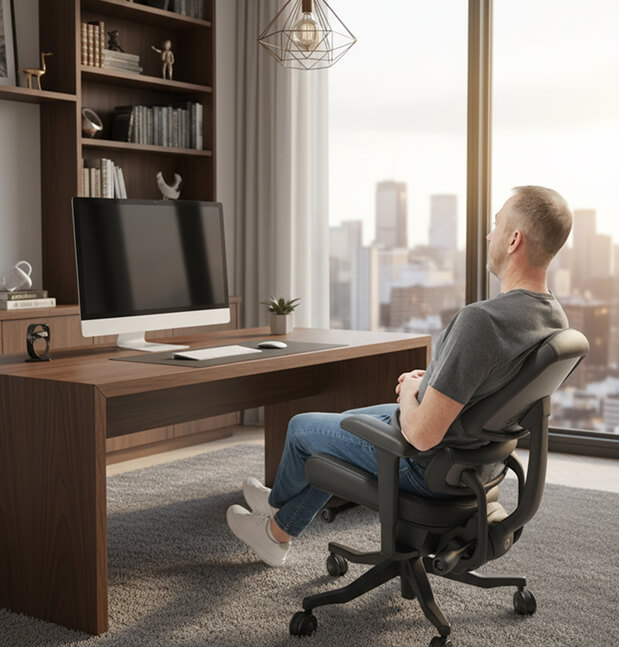
THE ANTHROS TILT SYSTEM
Decompress Mode: Move, Focus, and Decompress Your Way
How to Access Decompress Mode

1 Unlock Tilt
Turn the front-left control knob forward to unlock your tilt.

2 Adjust Tilt Tension
Turn the front-right control knob backward to release tension. It may require extra force at first — this is normal and will loosen over time. Adjust until movement feels smooth and supportive.

3 Tilt Range
When unlocked, the chair moves freely between –2° and 16°. This creates your two unlocked positions:
UNLOCKED POSITIONS
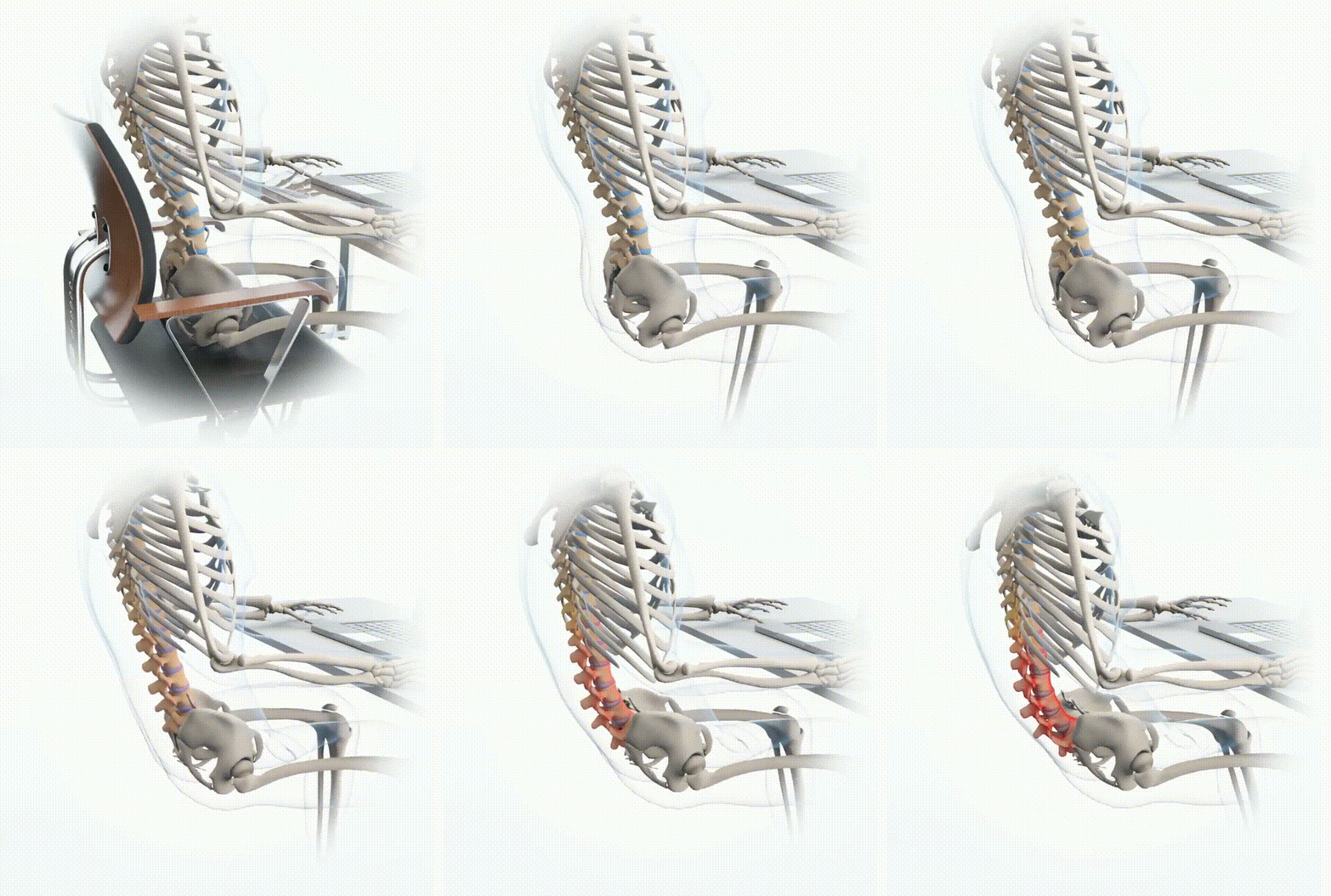
1. FREE-FLOAT DECOMPRESS MODE
Range: –2° to ~8° (varies by user based on tension)
Use When:
- Long work sessions
- You want support without stiffness
- You need spinal unloading to prevent fatigue
Why They Love It:
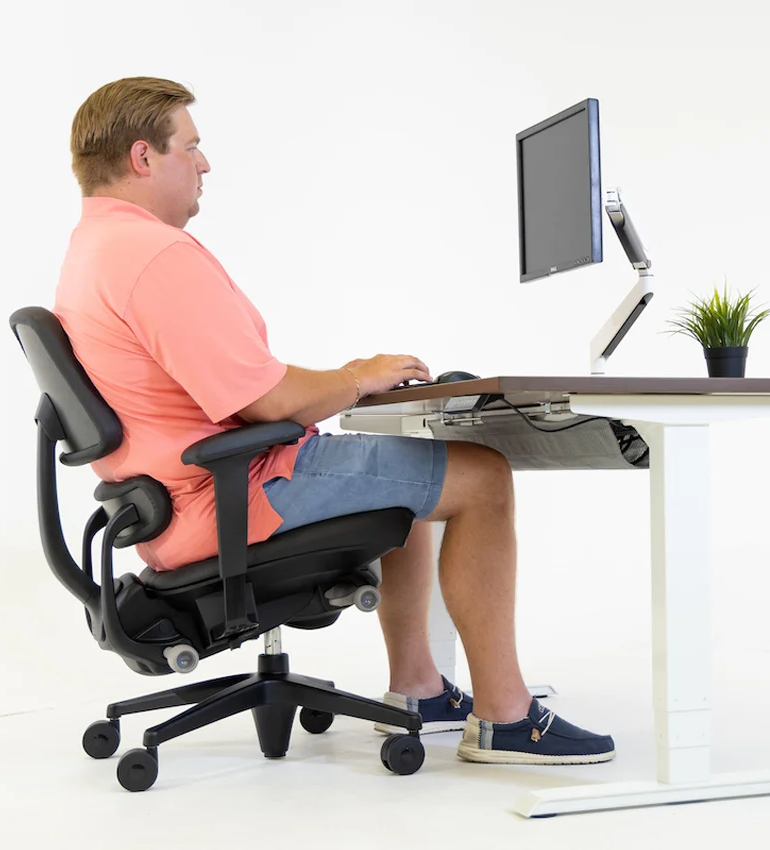
You “float” between upright and a light tilt, maintaining ideal head position relative to your monitor. This is one of the most functional decompressed working postures.
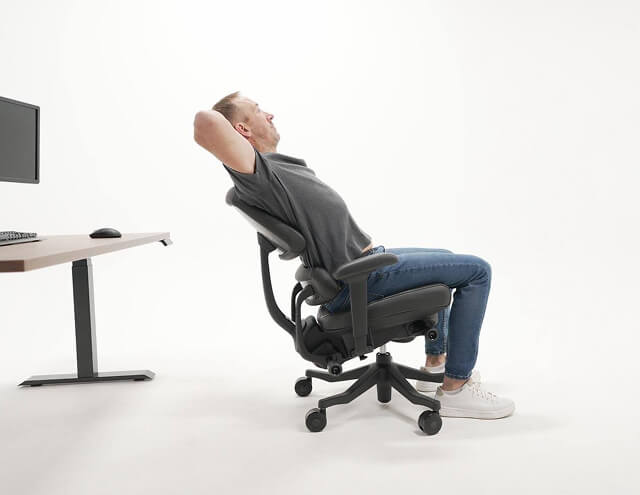
2. FULL DECOMPRESS MODE (16°)
Range: Full 16° recline with tension loosened
Use When:
- Stretching
- Taking a phone call
- Mid-day reset breaks
Why It Matters:
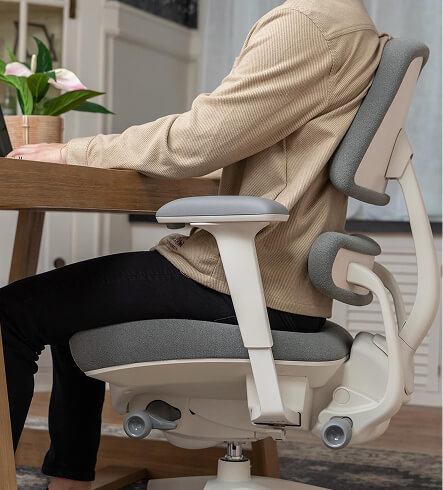
This mode offers maximum spinal decompression allows for a full stretch that feels incredible.
Not for computer work as the head naturally shifts forward relative to the screen.
LOCKED POSITIONS
Anthros offers three precise, posture-engineered locked tilt modes for when you prefer a fixed angle.
HOW TO LOCK YOUR TILT:
- Lean to the angle you want.
- Turn the left control knob backward to lock it in place.
For the 5° Decompress Mode:
Lean all the way back → lock → gently lean forward.
The chair settles perfectly into the 5° decompress mode.
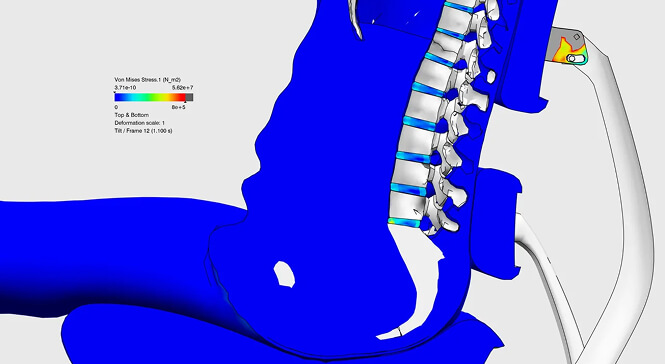
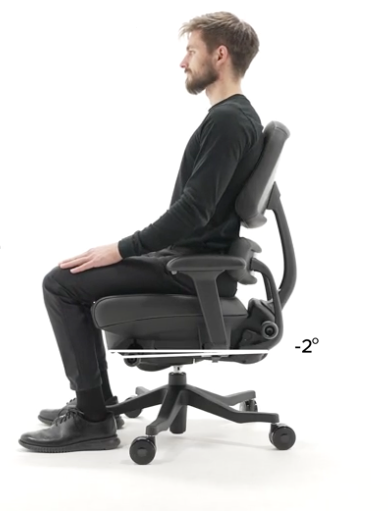
–2° | Active Mode
Best For:
- High-focus tasks
- Upright sitters
- Short, intense work periods
What It Does:
Puts you slightly forward,
ideal for precision work without collapsing posture.
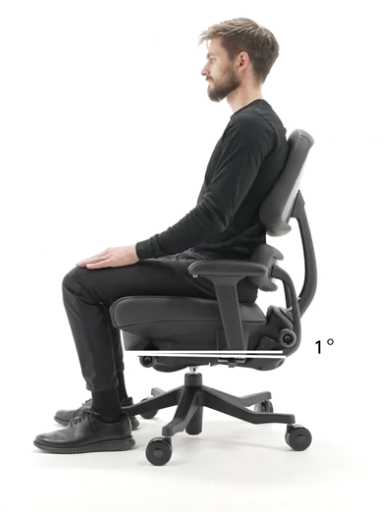
1° | Standard Mode
Best For:
- Everyday work
- Neutral alignment
- Users who want a balanced, upright feel
What It Does:
This is the default shipping position and is a stable, supported angle that keeps your body centered and aligned.
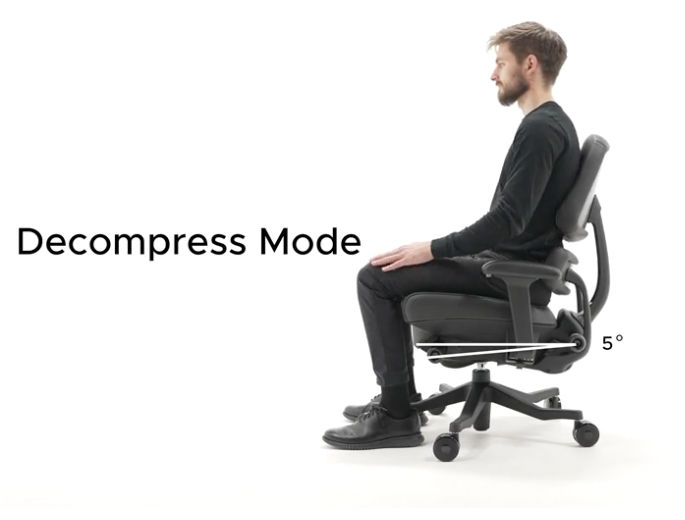
5° | Decompress Mode (Locked)
Best For:
- Long hours at the desk
- Reducing pressure under the spine
- Preventing end-of-day fatigue
What It Does:
Provides a subtle tilt that unloads gravity’s downward pressure while maintaining exceptional spinal alignment and head position. A perfect compromise between upright and relaxed.
Each Tilt Mode When to Use
If You Sit Upright Most of the Day
Use Active (–2°) or Standard (1°) Mode. You’ll feel supported and centered. But remember, staying fully upright all day increases the downward pressure on your spine.
When Your Back Starts Fatiguing
Switch to Free-Float or 5° Decompress Mode. These modes decrease gravitational pressure, improve circulation, and help reset posture without pulling your head off-axis from your screen.
If You Sit Upright Most of the Day
Drop fully into Full Decompress Mode (16°) A restorative stretch that resets the spine and is perfect between meetings or while on calls.
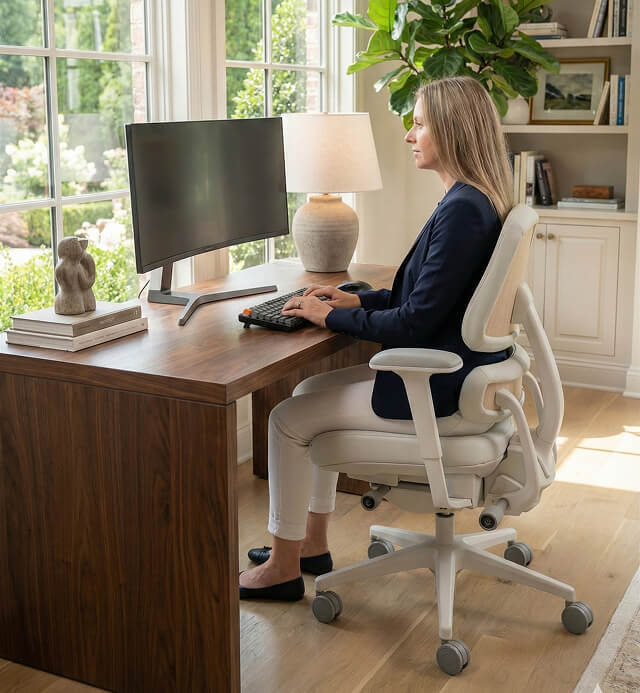
Decompress Without Compromise

MOVE. FOCUS. DECOMPRESS.
This is how you Fix Your Sit® .