




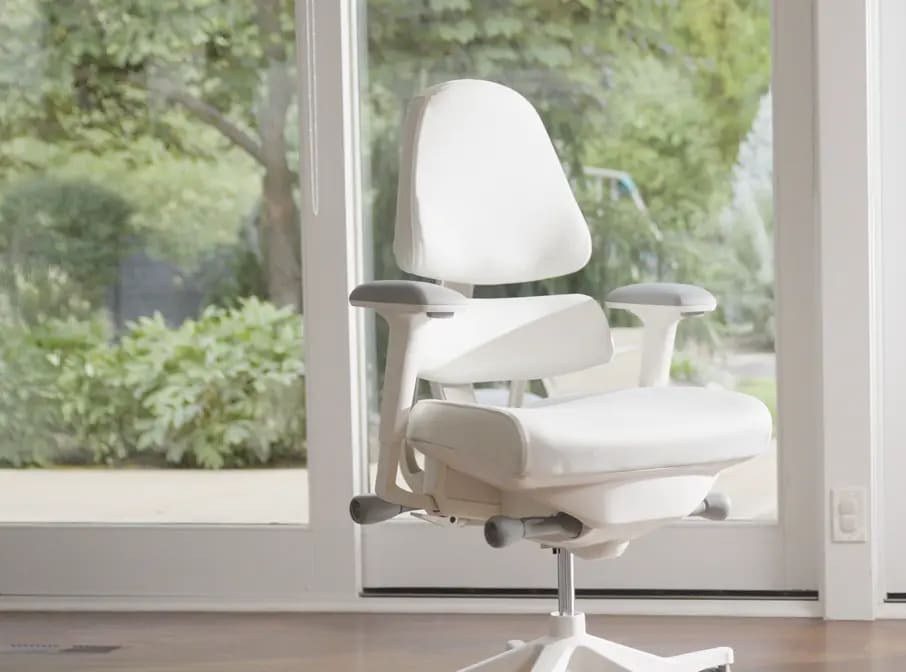
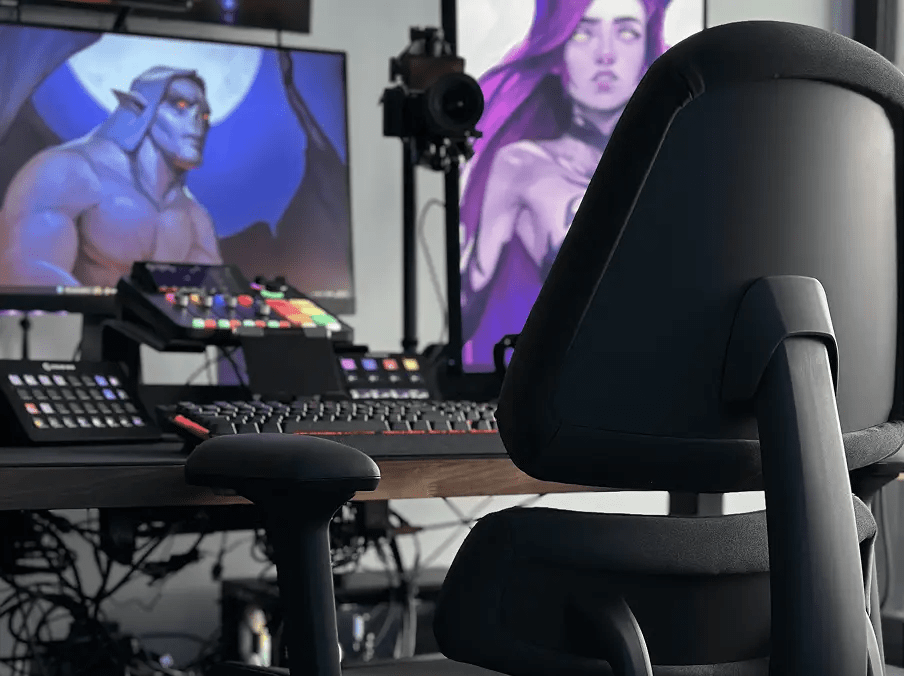


THE ANTHROS TILT SYSTEM
Decompress Mode: Move, Focus, and Decompress Your Way
Anthros now gives you five posture-preserving tilt options designed to match every preference, every task, and every moment of your day. Whether you sit upright, float as you work, or fully decompress on a break, each mode protects your spine and reduces fatigue.
How to Access Decompress Mode

1 Unlock Tilt
Turn the front-left control knob forward to unlock your tilt.

2 Adjust Tilt Tension
Turn the front-right control knob backward to release tension. It may require extra force at first — this is normal and will loosen over time. Adjust until movement feels smooth and supportive.

3 Tilt Range
When unlocked, the chair moves freely between –2° and 16°. This creates your two unlocked positions:
UNLOCKED POSITIONS
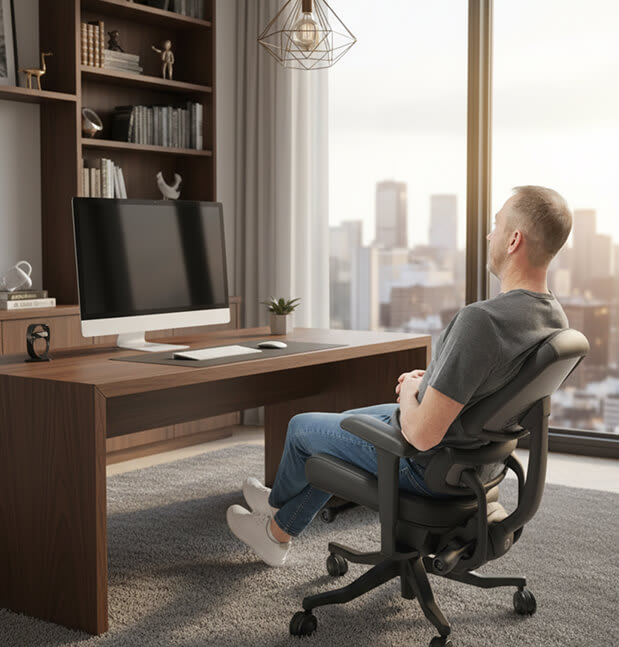
1. FREE-FLOAT DECOMPRESS MODE
Range: –2° to ~8° (varies by user based on tension)
Use When:
- Long work sessions
- You want support without stiffness
- You need spinal unloading to prevent fatigue
Why They Love It:
You “float” between upright and a light tilt, maintaining ideal head position relative to your monitor. This is one of the most functional decompressed working postures.

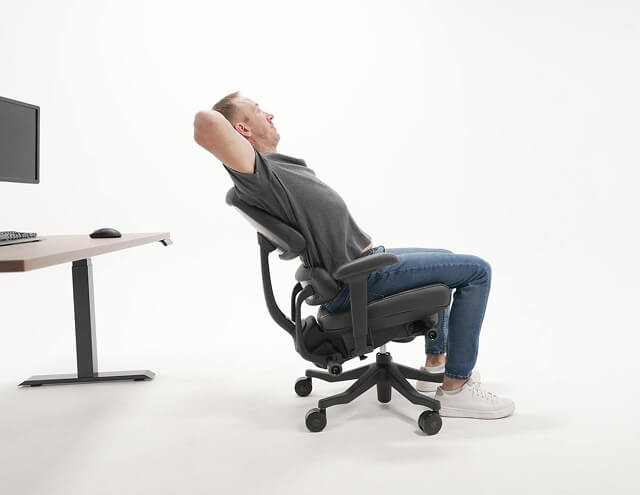
2. FULL DECOMPRESS MODE (16°)
Range: Full 16° recline with tension loosened
Use When:
- Stretching
- Taking a phone call
- Mid-day reset breaks
Why It Matters:
This mode offers maximum spinal unloading allows for a full stretch that feels incredible.
Not for computer work as the head naturally shifts forward relative to the screen.
LOCKED POSITIONS
Anthros offers three precise, posture-engineered locked tilt modes for when you prefer a fixed angle.
HOW TO LOCK YOUR TILT:
- Lean to the angle you want.
- Turn the left control knob backward to lock it in place.
For the 5° Decompress Mode:
Lean all the way back → lock → gently lean forward.
The chair settles perfectly into the 5° decompress mode.
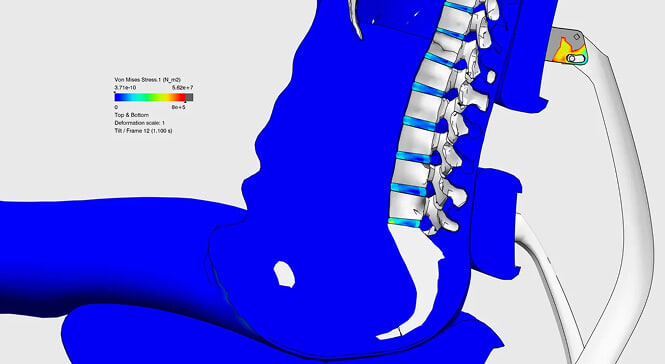

–2° | Active Mode
Best For:
- High-focus tasks
- Upright sitters
- Short, intense work periods
What It Does:
Puts you slightly forward,
ideal for precision work without collapsing posture.


1° | Standard Mode
Best For:
- Everyday work
- Neutral alignment
- Users who want a balanced, upright feel
What It Does:
This is the default shipping position and is a stable, supported angle that keeps your body centered and aligned.
5° | Decompress Mode (Locked)
Best For:
- Long hours at the desk
- Reducing pressure under the spine
- Preventing end-of-day fatigue
What It Does:
Provides a subtle tilt that unloads gravity’s downward pressure while maintaining exceptional spinal alignment and head position. A perfect compromise between upright and relaxed.
Each Tilt Mode When to Use
If You Sit Upright Most of the Day
Use Active (–2°) or Standard (1°) Mode. You’ll feel supported and centered. But remember, staying fully upright all day increases the downward pressure on your spine.
When Your Back Starts Fatiguing
Switch to Free-Float or 5° Decompress Mode. These modes decrease gravitational pressure, support blood flow, and help reset posture without pulling your head off-axis from your screen.
If You Sit Upright Most of the Day
Drop fully into Full Decompress Mode (16°) A restorative stretch that resets the spine and is perfect between meetings or while on calls.
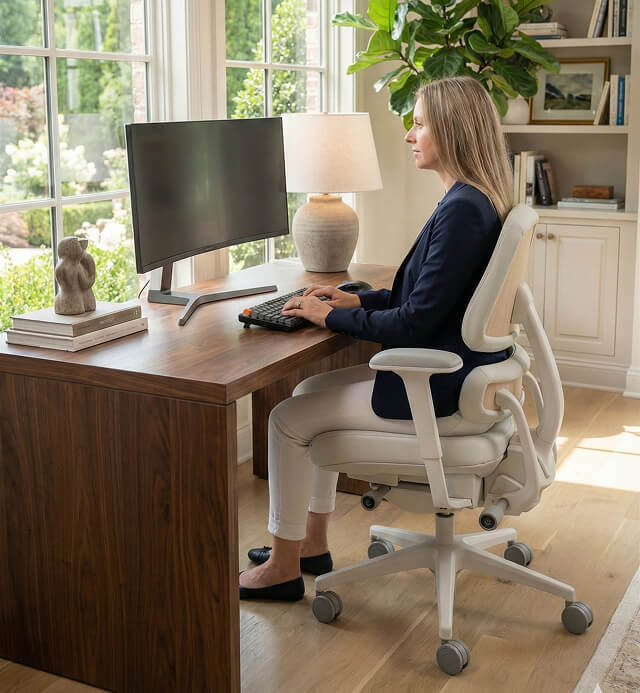
Decompress Without Compromise
Every Anthros tilt option is engineered to preserve posture, not collapse it.Whether you prefer structured support or gentle movement, the Anthros Decompress Mode Tilt System adapts to you, not the other way around.


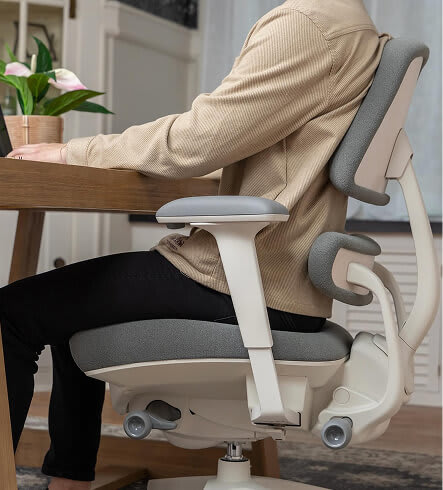
MOVE. FOCUS. DECOMPRESS.
This is how you Fix Your Sit® .
Let Anthros Fix Your Sit®
Have Questions? Schedule a posture consult with one of our licensed OT/PT’s.