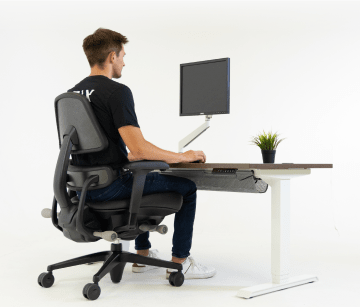




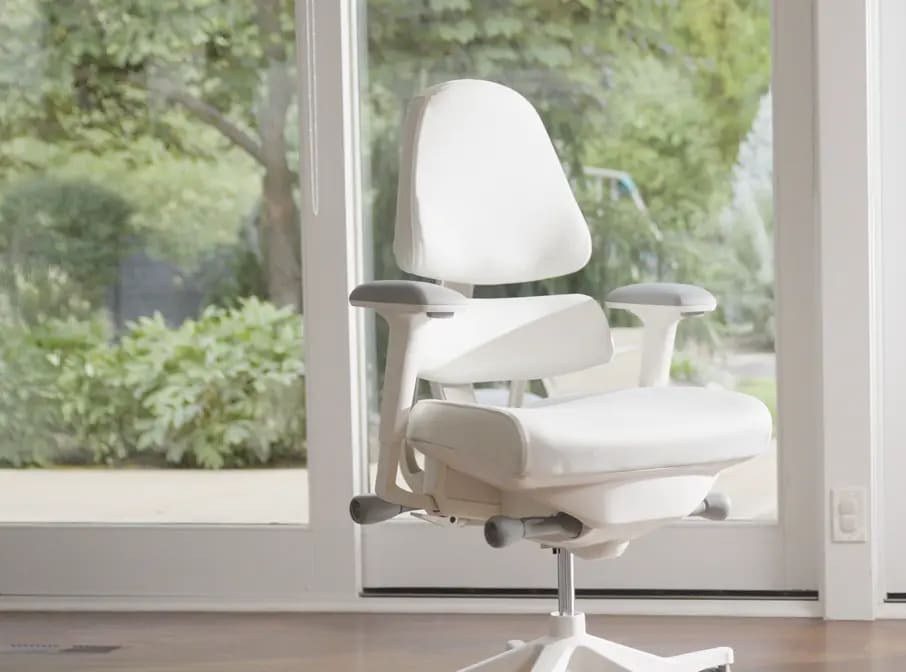
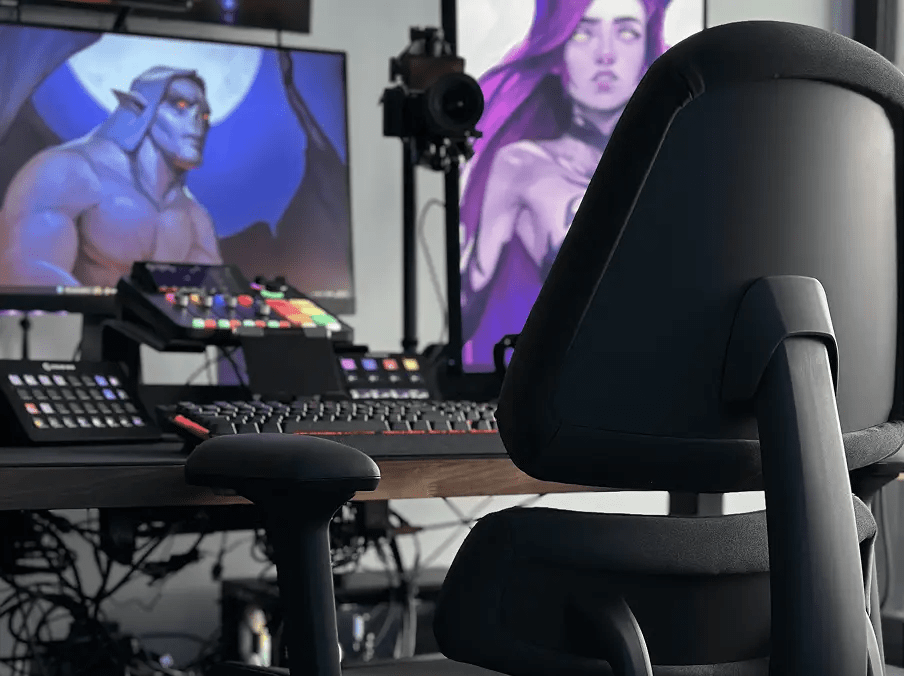


Adding a cushion to your office or gaming chair might cause more problems than it solves. As a therapist and posture specialist, I understand the appeal of adding a cushion to your office or gaming chair. After all, who doesn’t want a little extra comfort when they’re spending hours sitting at a desk or gaming? But while it may feel good in the short term, adding a cushion can often do more harm than good.
ANTHROS BLOG
December 23rd, 2025
Experience Ultimate Freedom with the Anthros Decompress Mode
Redefine the Way You Sit
At Anthros, we believe that the way you sit affects the way you feel. That’s why every feature we design is built to help you move better, feel better, and live better, starting with your chair.
Decompress Mode redefines what comfort and control look like in an ergonomic office chair. Whether you’re deep in focus or ready to decompress, this new system gives you the freedom to sit exactly how your body needs.
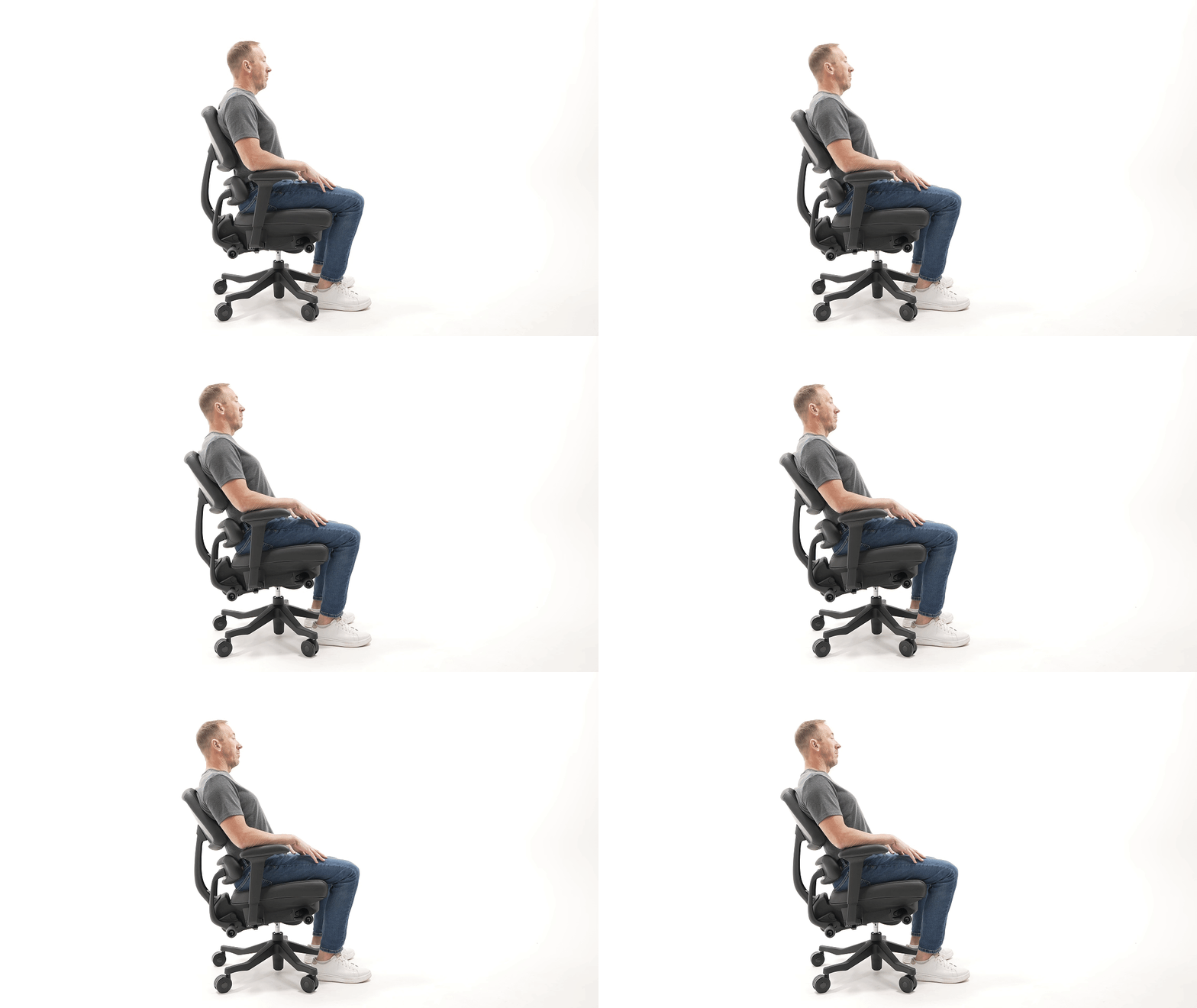
Why It Matters: The Science of Healthy Sitting
With the Anthros three-position tilt, you’re in control. Choose from three distinct locked positions, and two unlocked-each engineered for a different type of work, focus, or recovery.
Locked Positions
1
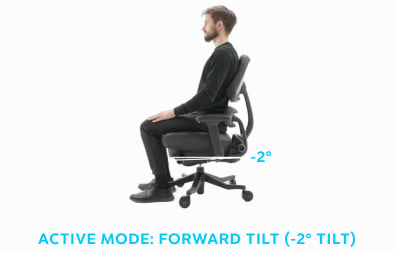
Active Mode: Forward Tilt (-2° Tilt)
Perfect for active work sessions and deep focus.
This position keeps your pelvis slightly forward, promoting a natural spinal curve and encouraging core engagement, helping reduce strain on your lower back during long hours at your desk.

2
Standard mode (1° Mid Position)
Your all-day comfort zone.
This balanced setting allows subtle movement while maintaining healthy upright alignment which is ideal for upright sitters, to be held upright by the Precision Posture System long stretches of focused work without stiffness or fatigue.

3
Decompress Mode (5° Tilt)
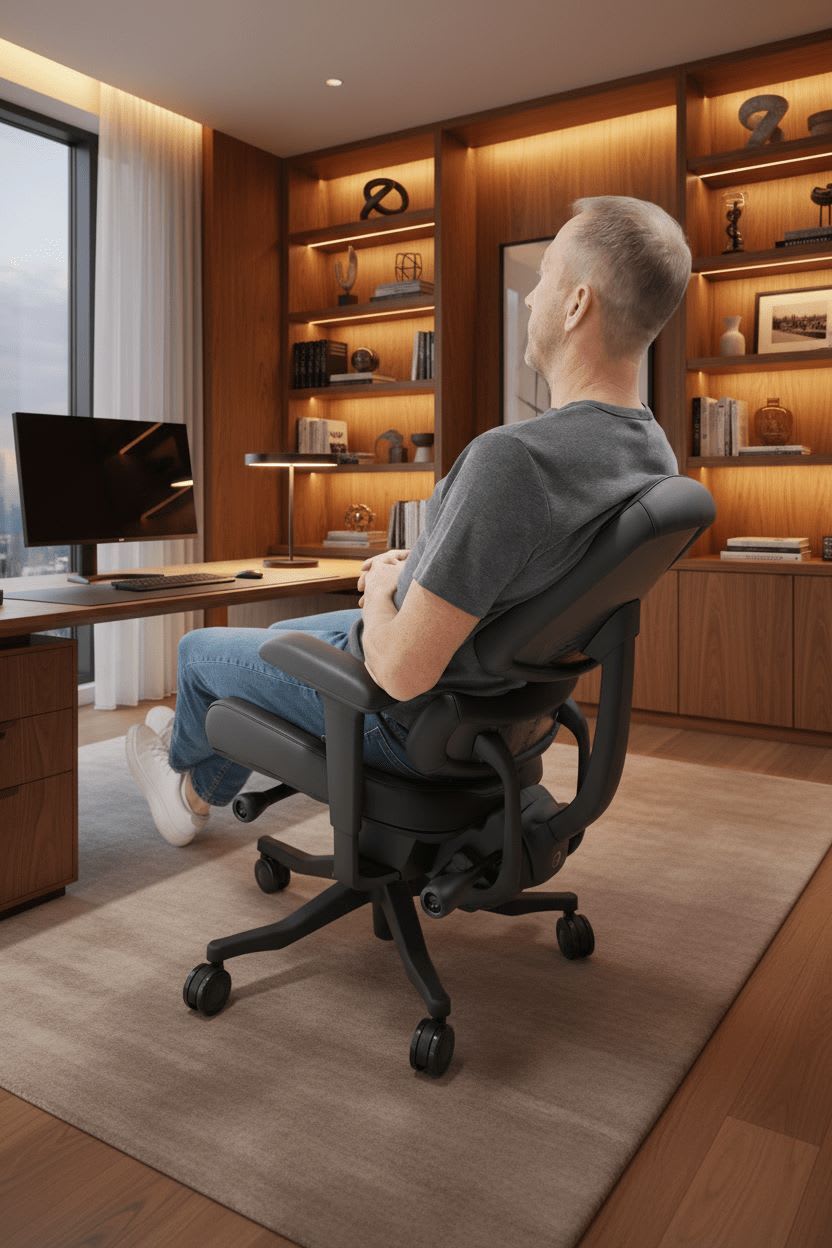
The perfect balance between alert and at ease. A light tilt that takes pressure off your spine and hips, while keeping you upright enough to stay engaged. Great for focused work.
And when it’s time to take a true break, the chair also offers a Full Decompress Mode (16° Tilt) — a deep recline that lets your spine elongate and decompress, relieving pressure and tension for total-body relaxation.
Unlocked Positions
1
Free Float Decompress Mode
Keep the tilt unlocked to enter Free Float Decompress Mode, allowing subtle movement and micro-adjustments as you work.
Use the front right control knob to adjust the tilt tension based on your body weight allowing you to “float” between upright and halfway tilted. This promotes blood flow and prevents stiffness from static sitting.
2
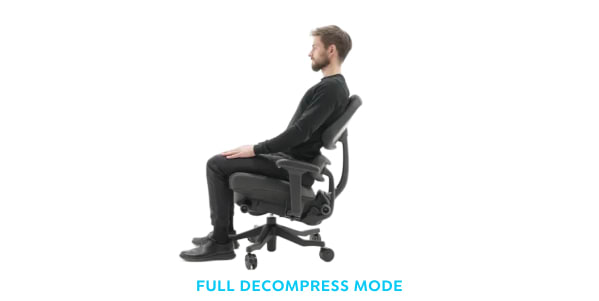
Full Decompress Mode
If you reduce the tension, the chair transitions into Full Decompress Mode, ideal for a brief break or stretch. Lean back to gently lengthen the spine and unload pressure from the lower back, offering a moment of relief from gravitational compression.
Five Tilt Positions for a Healthier, More Productive You
Sitting shouldn’t mean staying still. Traditional office chairs lock
your body into one static position, leading to pain, fatigue, and long-term discomfort.
The Anthros Decompress Mode encourages micro-movement and adaptability, two essentials for healthy posture. This flexibility helps reduce spinal compression, improves circulation, and prevents the muscle fatigue that often causes back pain from sitting too long.
When your chair moves with you, your body stays engaged and your mind stays clear.
The Evolution of Comfort
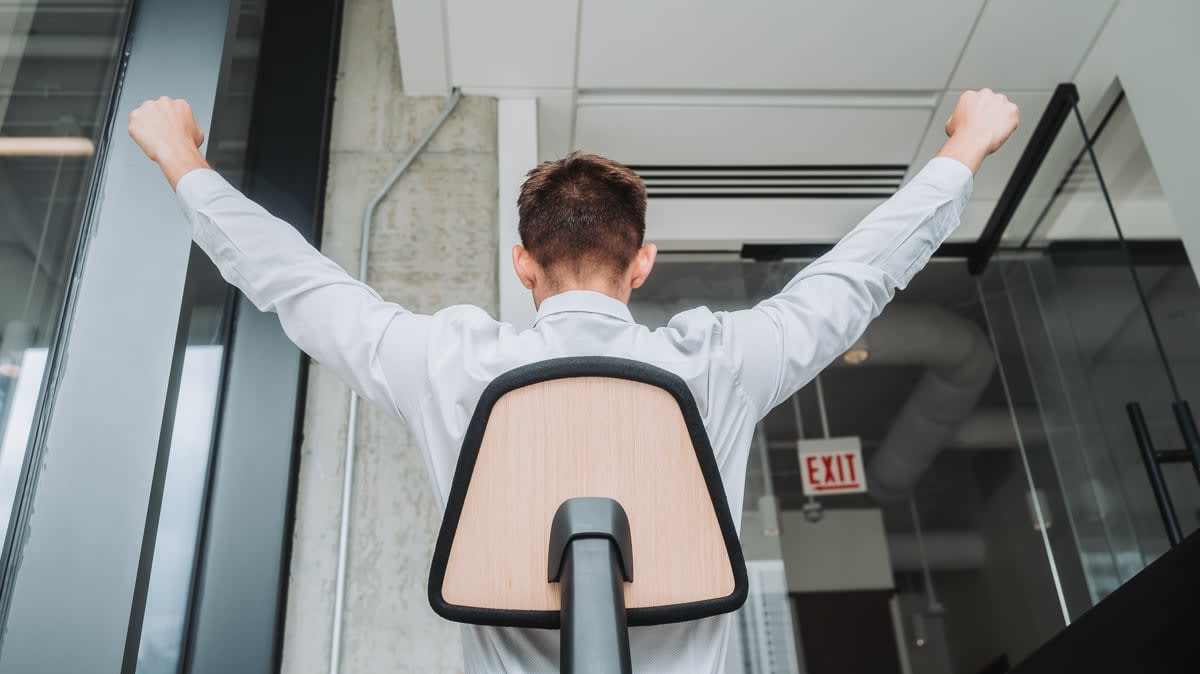
At Anthros, innovation never stops. Each update we release is built on our deep understanding of biomechanics, real customer feedback, and our mission to design the most customizable and health-focused chair on the planet.
The new three position tilt is another step forward — a symbol of how we’re continuing to evolve to give you the most personalized comfort and support possible.
Sit Healthy. Move Often. Feel Incredible.